
Fluid Image
Put an image inside your design. An image should be inserted inside a row or a column.
Select the area (row or column), click on the “plus” button on the layout and choose the image component.
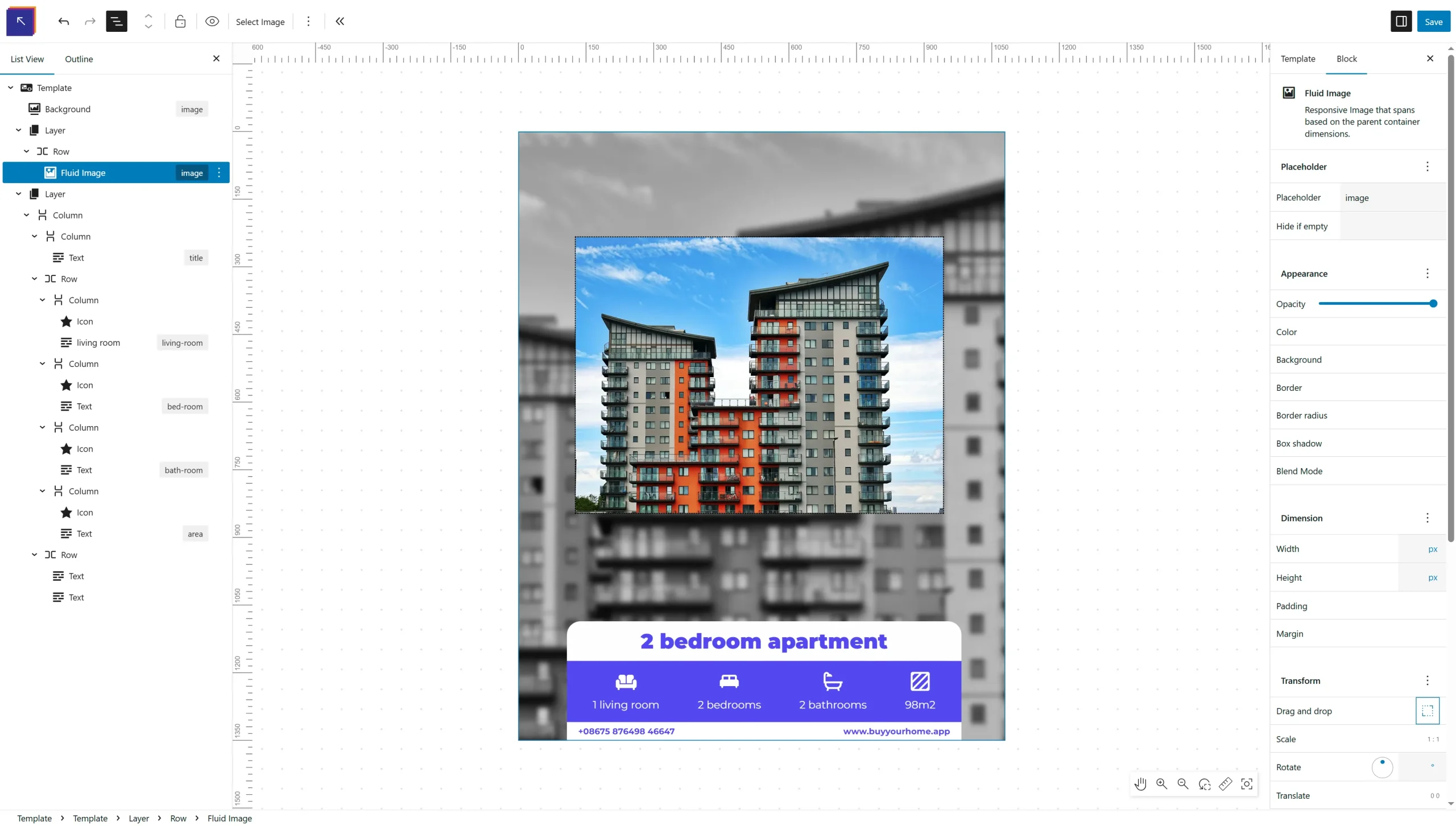
Select Image
Choose the image from your gallery to insert it in the design. You can select an existing image or upload a new one.