
Rating
Rating component allows you to generate multiple images with dynamic rating
Select the area (row or column), click on the “plus” button on the layout and choose the rating component.
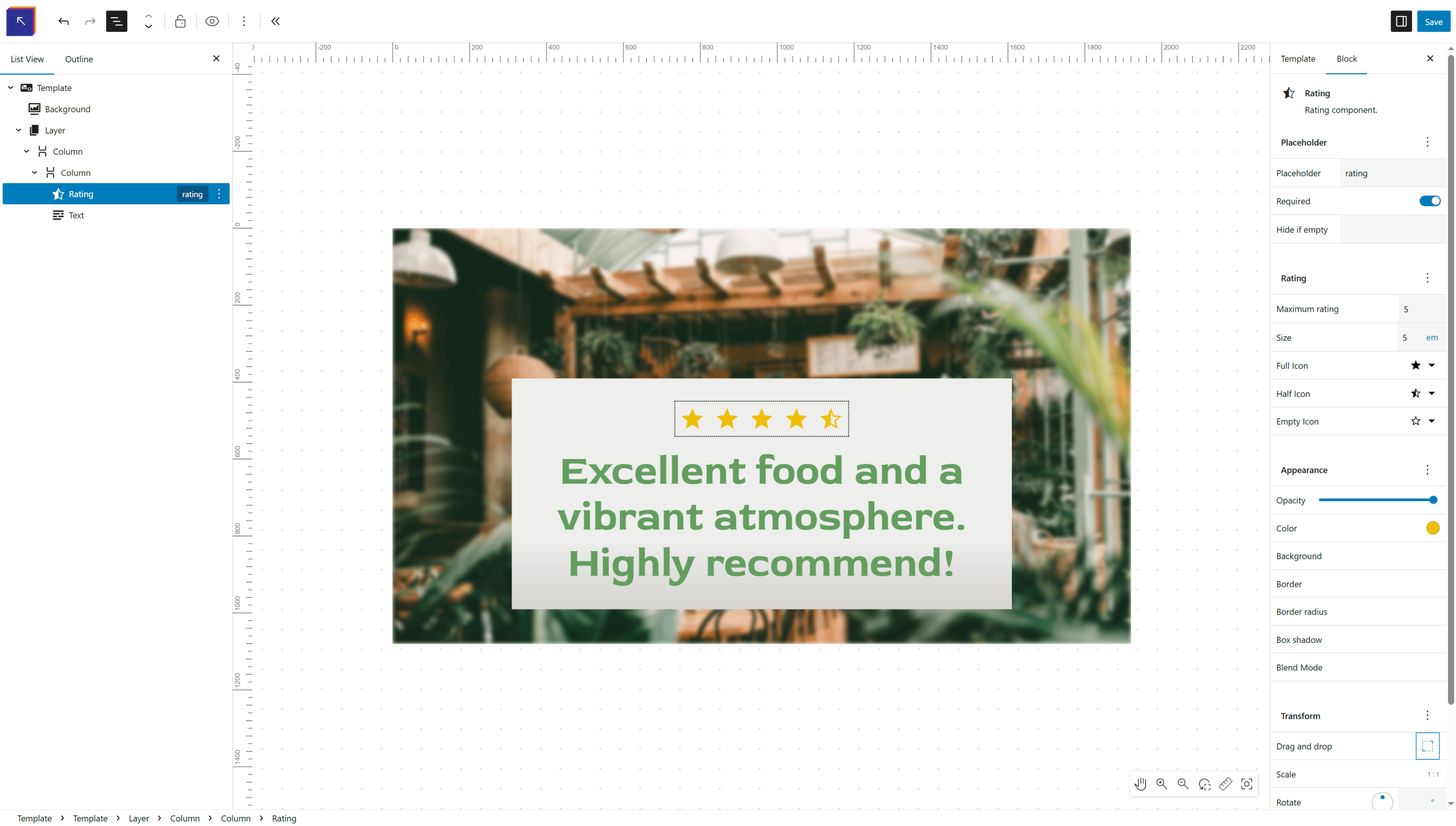
Maximum rating
Select the max available reating for the icons to show
Size
Set the icon size, you can choose different units like px, em, rem etc.
Icons
You can also choose your custom icon to display in the rating component, simply click and search the icon you want. 3 icon types are needed for the component to work, The full icon, half icon and empty icon.