
Container
A layer can have multiple rows or columns. Direct rows or columns under the layer are used to position the content inside a layer.
A row / column will affect how the direction of the inside content will be shown.
Select the layer, click on the “plus” button on the layout and choose the “Row” or “Column” component.
Dimensions
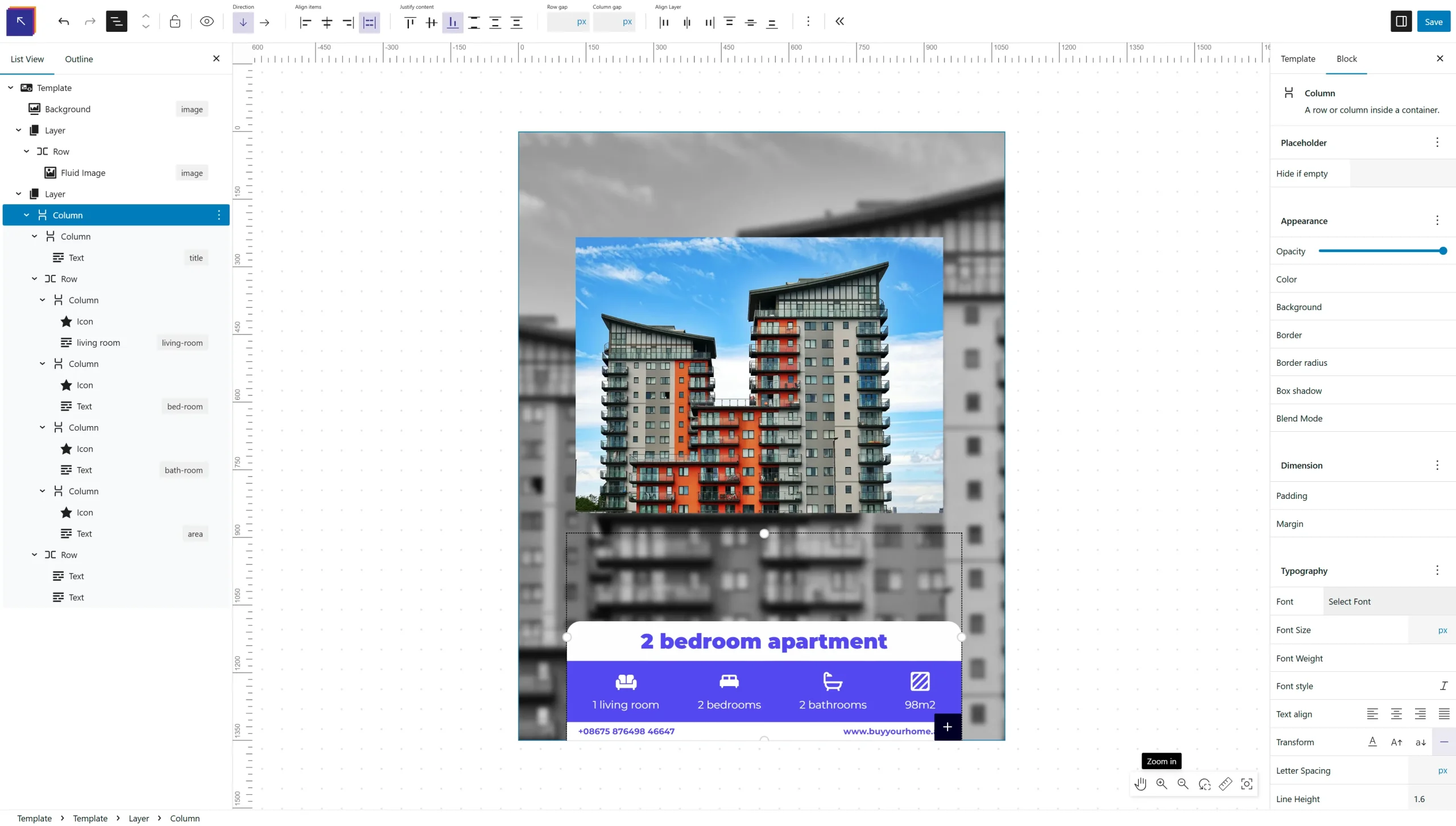
The first row/column child of a layer can have a configurable span inside the layer. Just click on the component and use drag and drop handles to change the size based on the layer col, rows grid configuration.
Row / Column
A row / column can have inner rows and columns inside to arrange your content. The components respect the HTML flex flow and not the absolute positioning, this is to avoid overflows when content will be updated from the data table. Also it helps with the resizing of the content when the template dimensions change.