
Layer
A template can have multiple layers. Layers are used to organize the content using “area” components acting as rows or tables.
Select the template, click on the “plus” button on the layout and choose the “Layer” component.
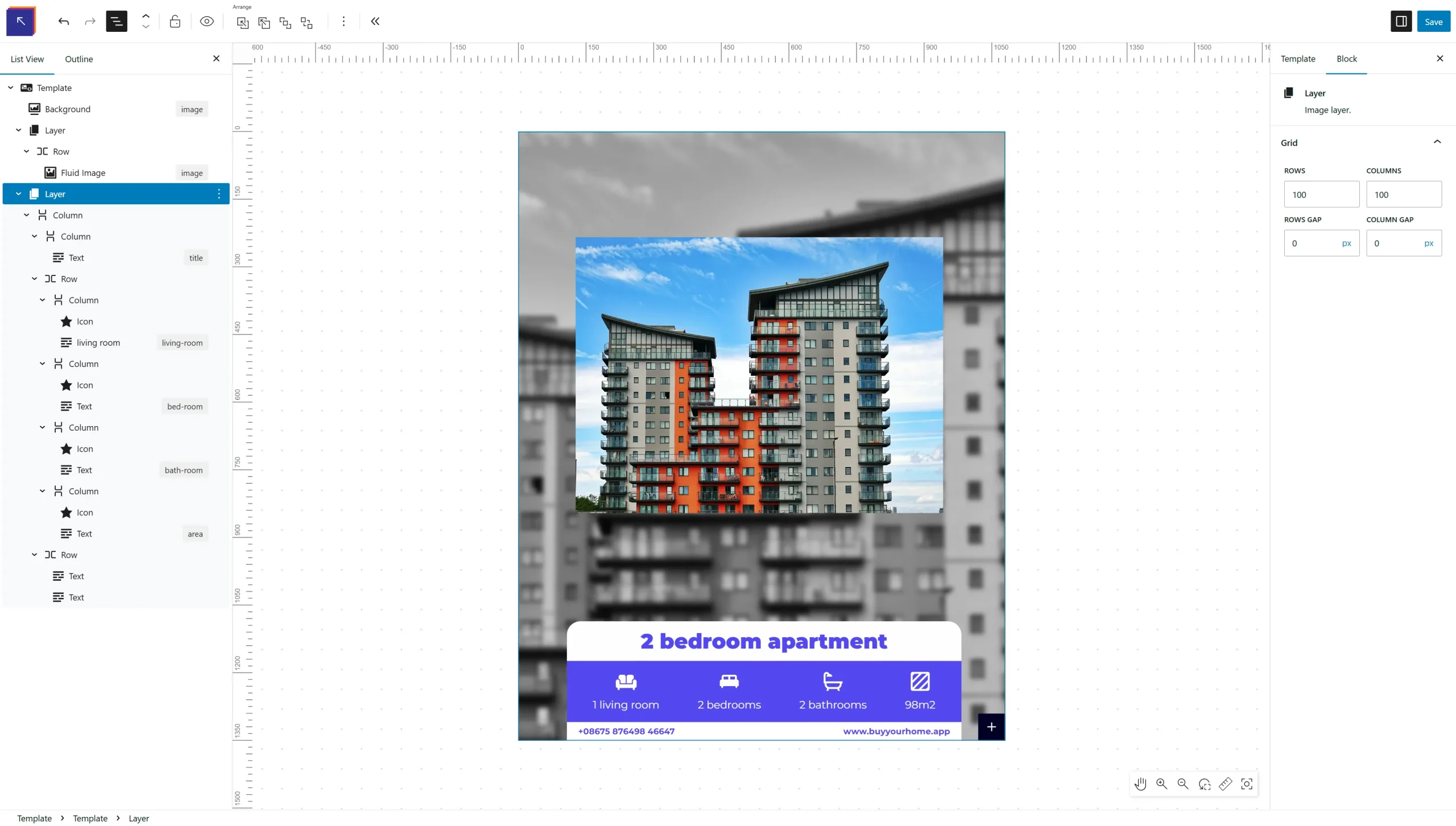
Grid
A layer is has a grid which can be configured at the layer options on the right side panel. You can specify how many rows and columns make up the layer grid also a gap between the cells.
The grid will act up as a helper to position the content areas inside the layer.
The default grid:
- Rows: 30
- Columns: 30
- Rows Gap: 0
- Columns Gap: 0